Dragon boat lineups, ready for practice.
Choose the club, gather the available paddlers and arrange the boat. Save the crew where your coaches and practice plan can find it.
- 1
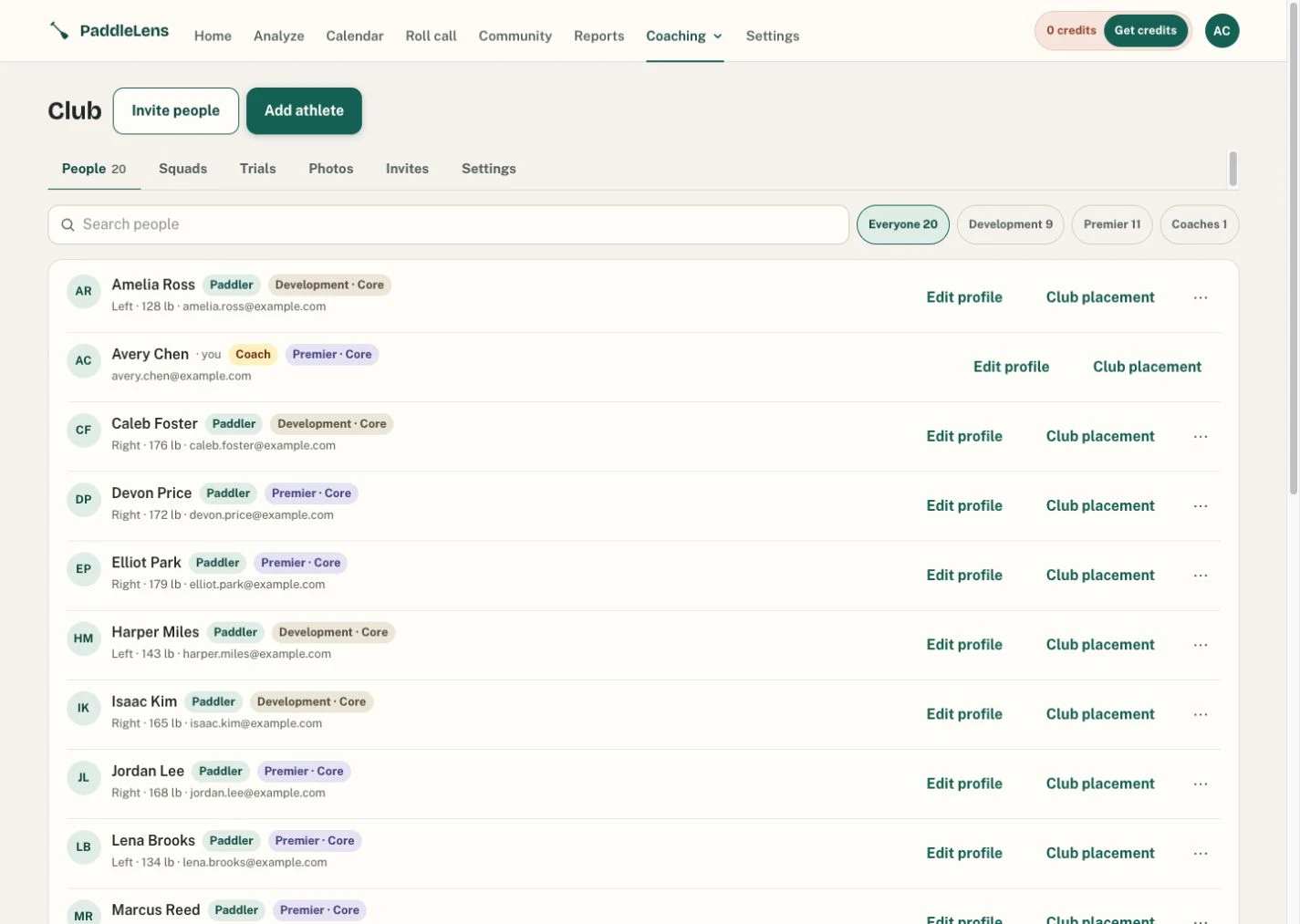
Choose your club
A saved crew belongs to one club. Pick the club first, then narrow the roster to a squad when you need a race crew or training group.
- 2
Build and adjust
Arrange seats yourself or request a suggested lineup. Review sides, weights and trial results, then make the final seat choices as the coach.
- 3
Save and share
Name the crew so you can find it again. Use it with a practice and review the audience before sharing the lineup.
What goes into a lineup?
- Club placement
- Side and seat preferences belong to the athlete’s placement in that club. A paddler can have a different role in another club.
- Trial results
- Use the trial results your club records. Review the test and its context; a number from a different trial is not automatically comparable.
- Comparable video scores
- Where comparable reports exist, technique scores can help review the pool. No analysis does not mean a zero score.
- Your judgment
- Coach ratings and observations remain separate staff evidence. They are not silently added to the video score or crew ranking.
Common questions
Can I plan a DB20, DB10, OC6 or another craft?
Yes. A squad can be any paddle craft, and Boat Builder seats all of them: DB20, DB10, OC6, OC2, OC1, kayak and surfski. Choose the craft before arranging the crew.
Do all paddlers need a video analysis?
No. You can arrange a crew manually from the roster. Video scores are optional evidence where a comparable report exists.
Is the lineup builder free?
The club workspace and boat builder are part of the free core tools. Optional video analyses use analysis credits; text alerts use separate club text credits.
Try it with your club.
Free core tools. No subscription, no card needed.
Got a code from your coach? Use it here